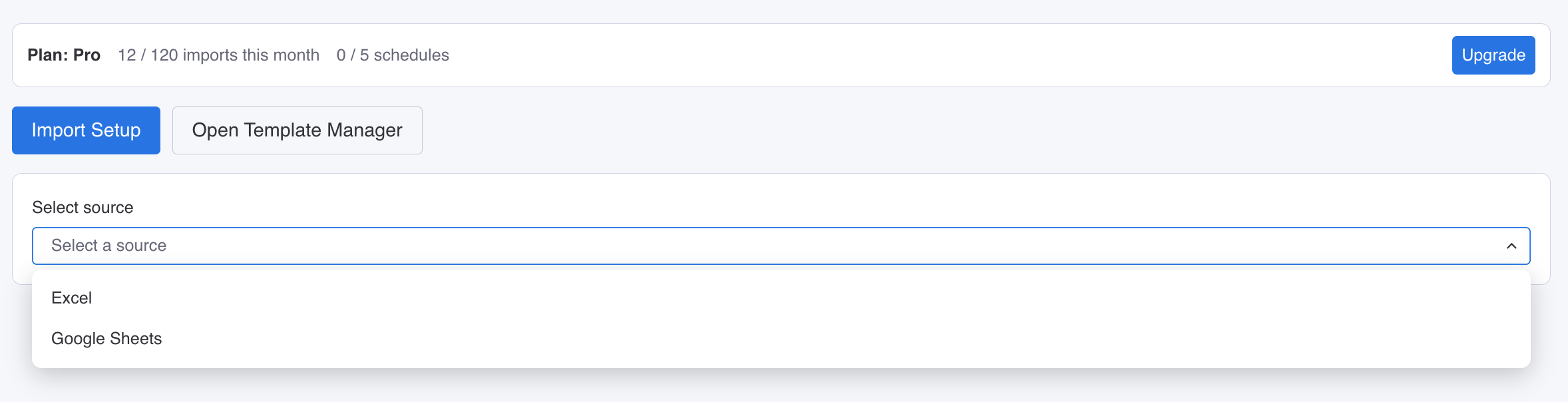
Choose and Connect a Source
Pick from available source connectors, connect your data, and select what you want to load into monday.com.
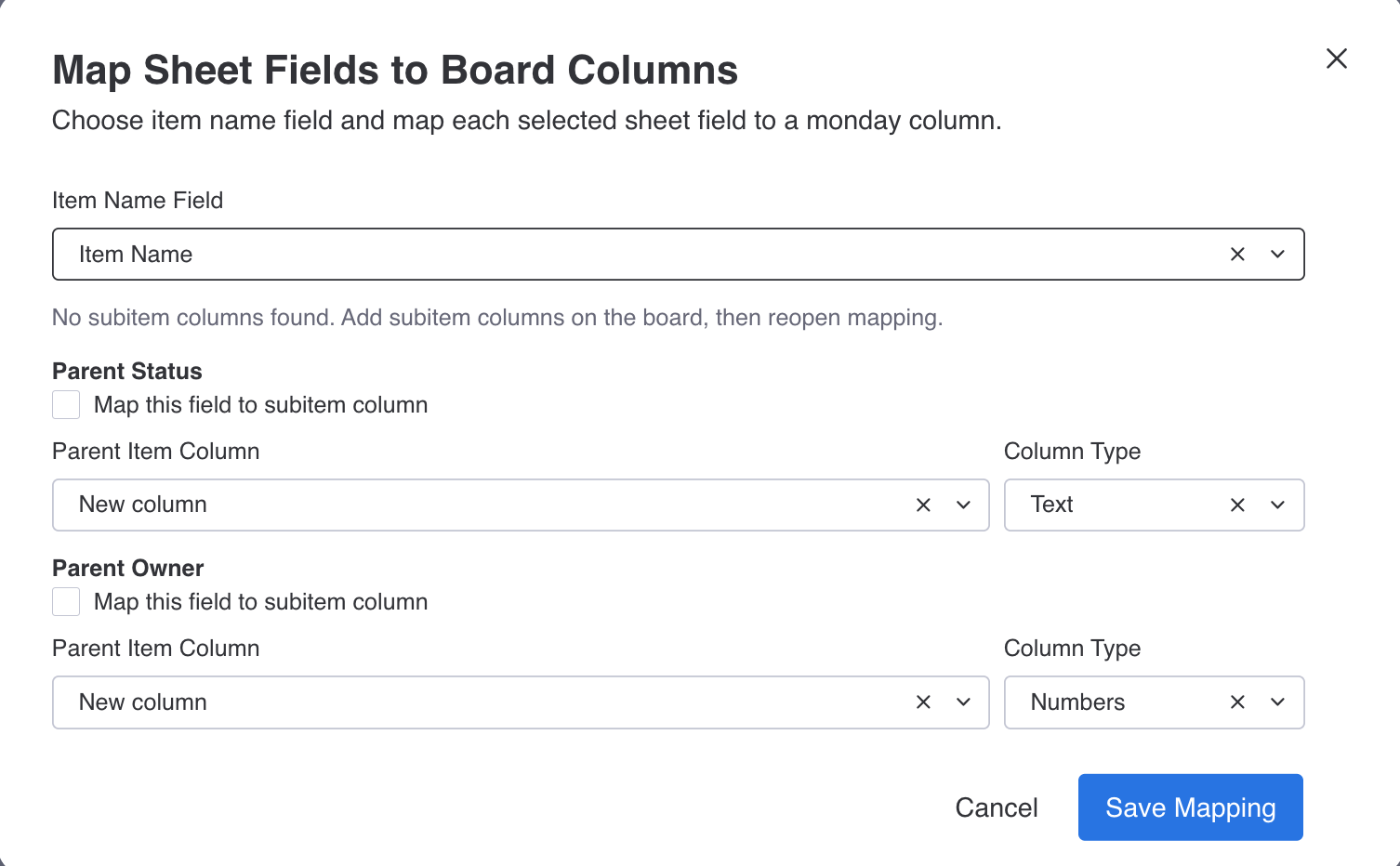
Map Your Fields
Choose where each field should go in your monday.com board and set the item name so your data lands in the right place.
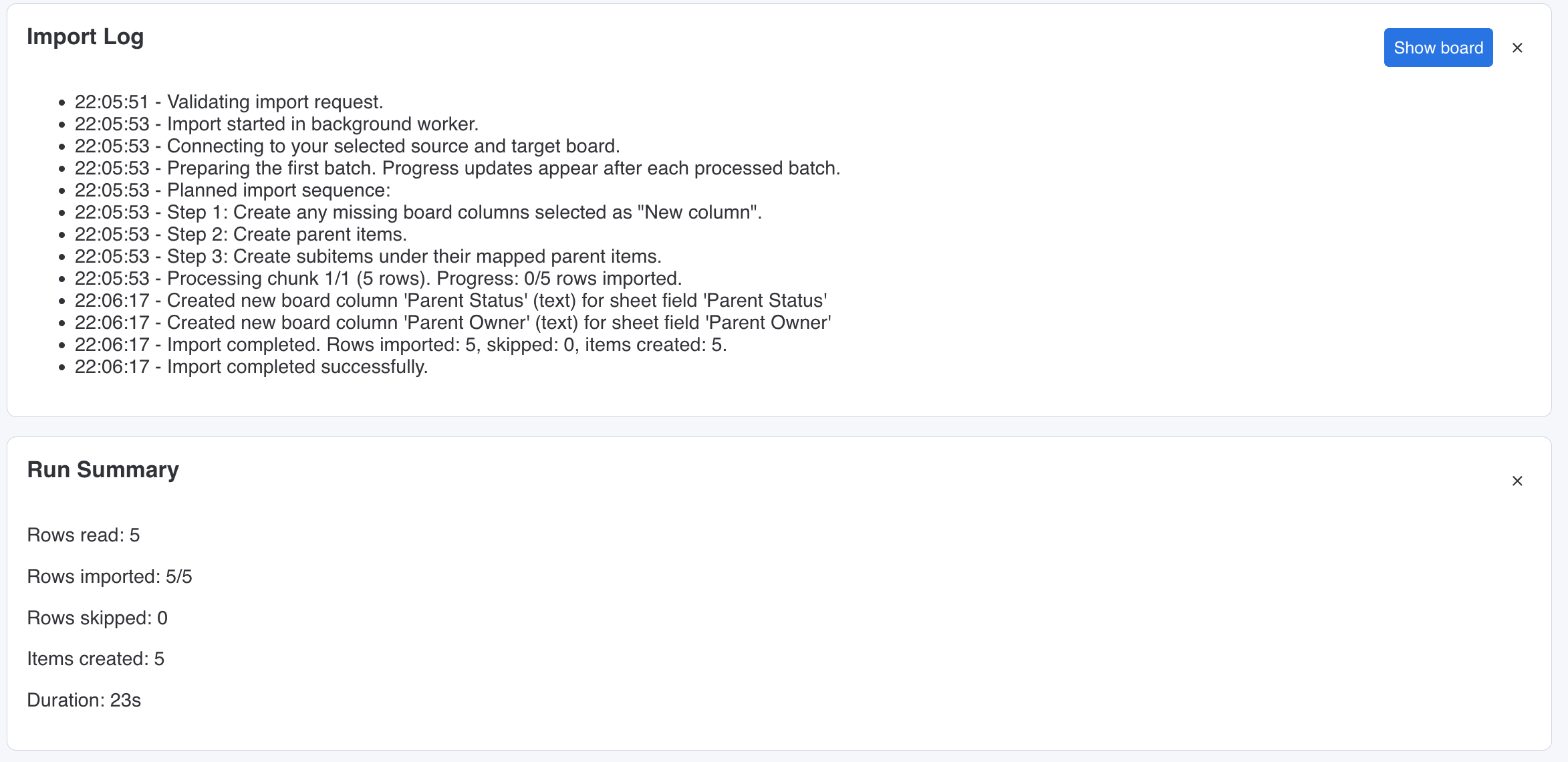
Run and Monitor Data Flow
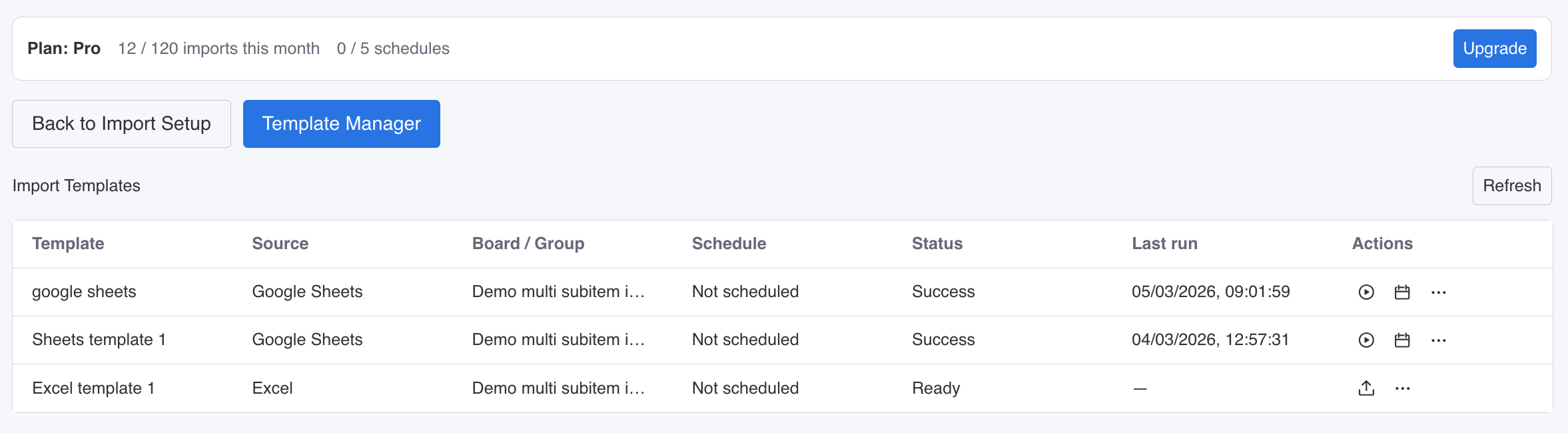
Run data loads with clear progress logs in real time so your team can track every run from start to finish.
Features
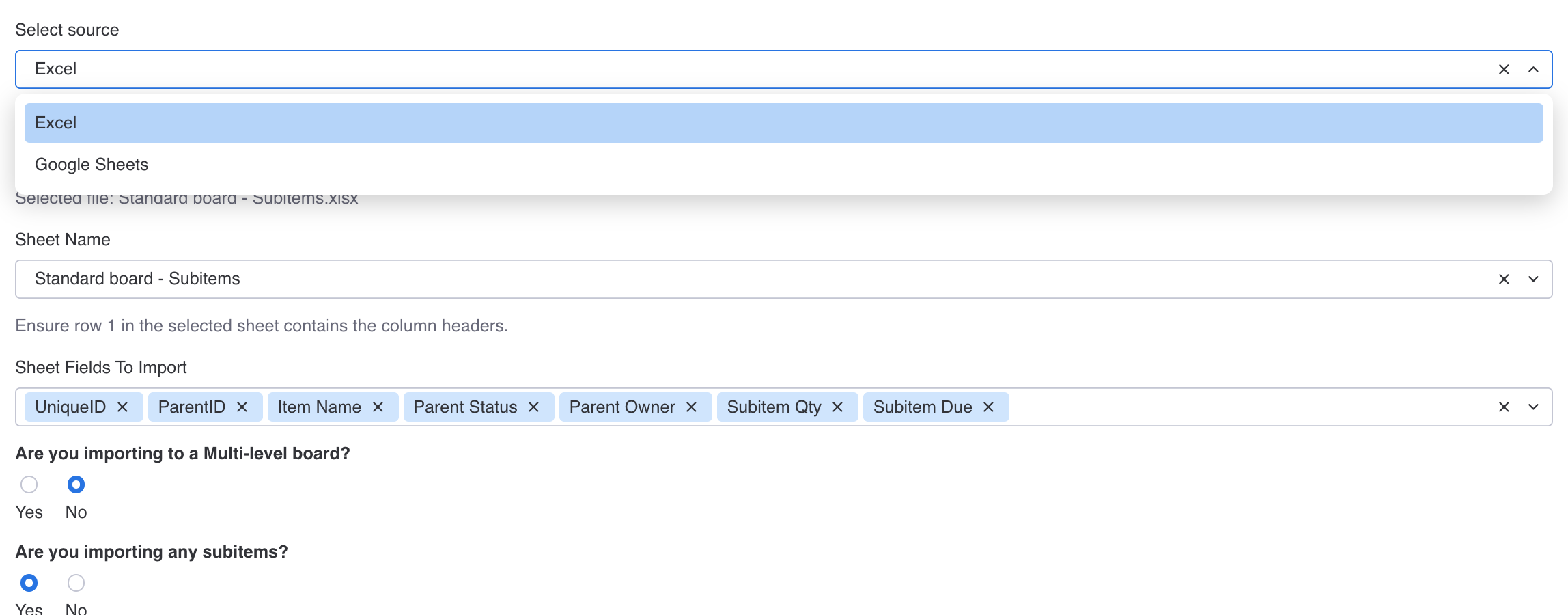
Multiple Sources, One Workflow
Use one consistent workflow across source types, with new source connectors added continuously as Data Bridge evolves.
Scheduling for Hands-Free Runs
Set schedules once and let Data Bridge run recurring loads automatically so your monday.com boards stay current without manual reruns.
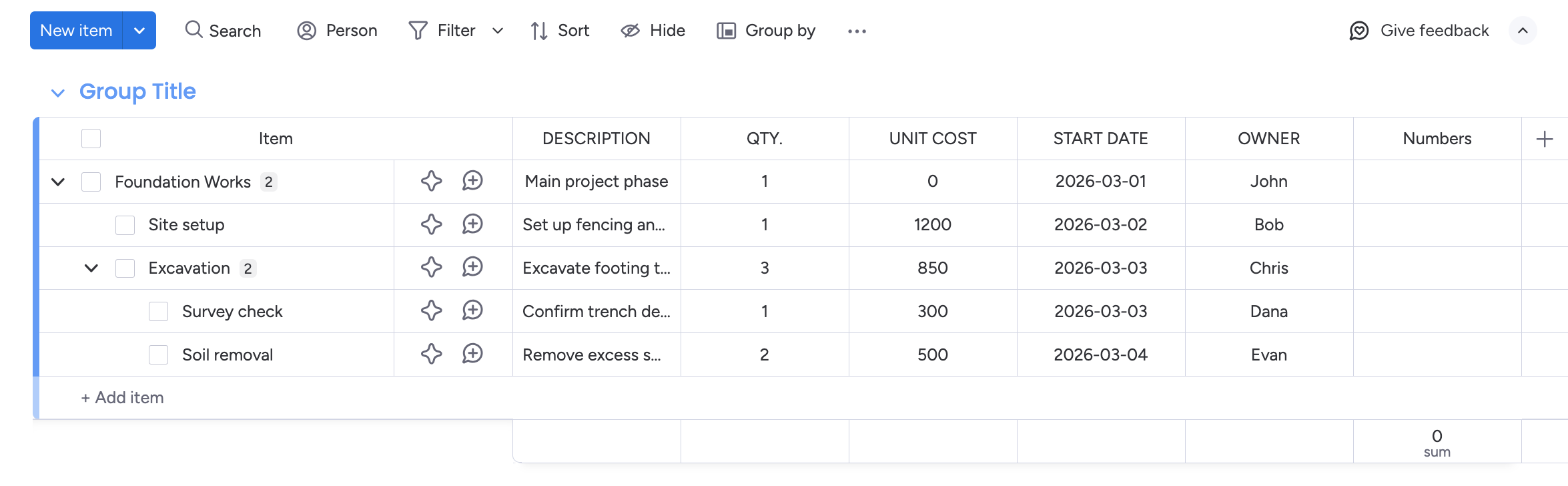
Standard Boards and Multi Subitems Boards
Load into standard boards and multi subitems boards from one workflow. Multi subitems board support is the key differentiator here, and no other app currently offers this level of support.
Import at scale
Move large data sets in minutes instead of spending hours on manual entry.
Map once, reuse often
Set up field mapping once and run consistent data loads with less setup work every time.
Hierarchy-ready
Import parent items, subitems, and multi-level subitems to match real data structures.
Full visibility
Track every run with live progress and clear logs so your team can trust each import.
Start moving data with Data Bridge
Configure once, save your template, and run clean repeatable data loads into monday.com. New sources are added regularly, and you can request any source your team needs.